·FolderSync Team
Your Data, Your Choice: Cloud, NAS, or Your Own VPS?
In 2025, the question isn't if you should back up your data, but where.

In 2025, the question isn't if you should back up your data, but where. The two main camps are clear: the effortless convenience of public cloud storage (like Google Drive or Dropbox) versus the absolute control of a self-hosted solution (like a home NAS or server).
Which path is right for you? It depends on your priorities: convenience, cost, privacy, and control.
The good news is, no matter what you choose, FolderSync is the bridge that connects your Android or PC to your data. Let's break down the options to help you decide.
Option 1: Public Cloud Storage
Public cloud services are incredibly popular for a reason. They are designed to be as simple and accessible as possible.
This is likely for you if:
- You value convenience and ease of use above all else.
- You need to access your files from anywhere, on any device.
- You don't want to manage or maintain any hardware.
Pros:
- Zero Setup: Sign up and you're ready to go in minutes.
- Accessibility: Your files are available globally through apps and web browsers.
- Low Upfront Cost: Most services offer a free tier and affordable monthly plans.
- Reliability: These companies have teams of engineers ensuring the service is always on.
Cons:
- Privacy: Your data resides on someone else's servers. While encrypted, it's not under your physical control.
- Recurring Costs: Subscription fees can add up over the years.
- Limited Control: You are subject to the provider's terms, storage limits, and potential price increases.
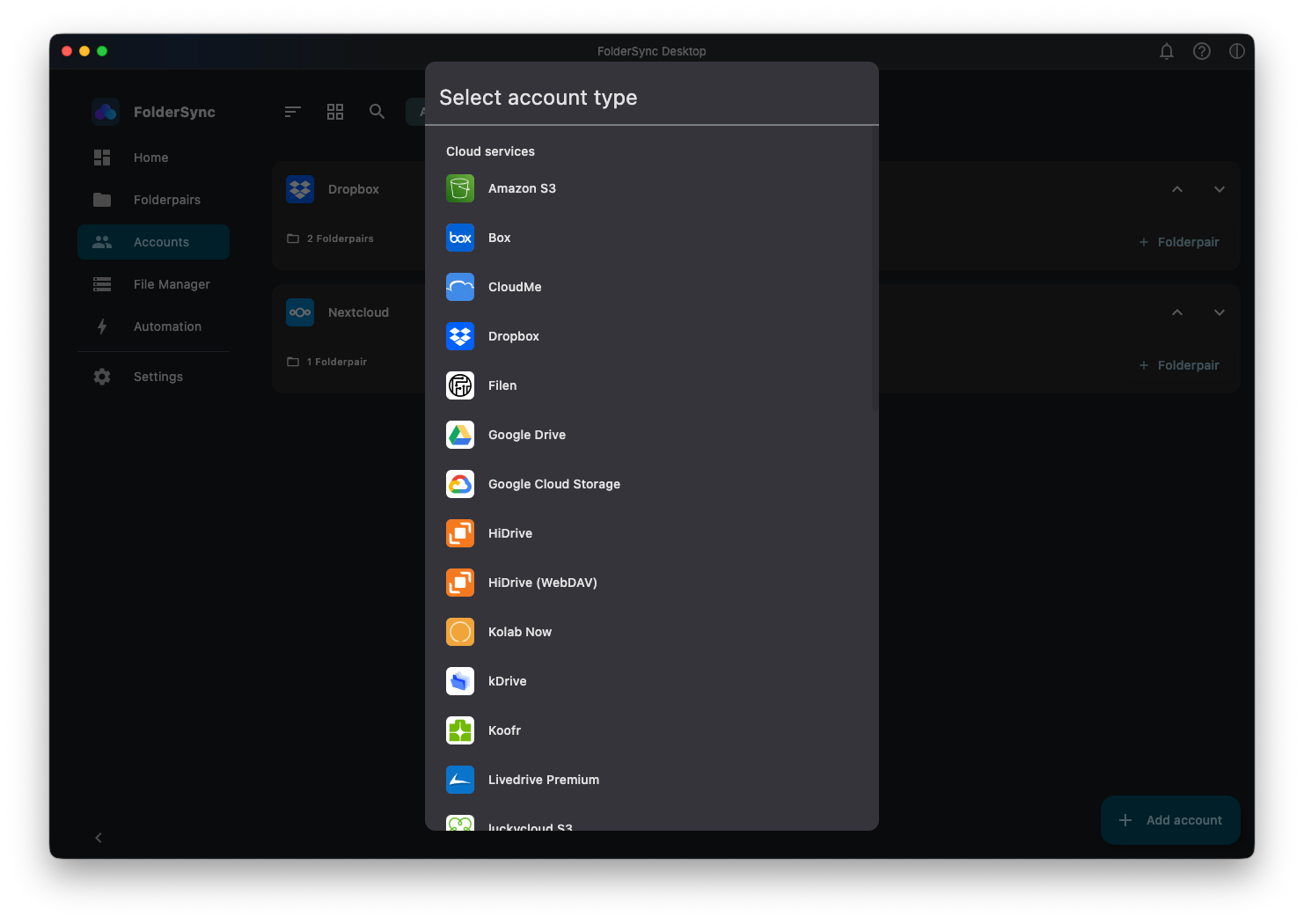
FolderSync's Role: With native support for dozens of services like Dropbox, Google Drive, OneDrive, MEGA, Box, pCloud, Yandex Disk, and many more is a good option for syncing with any of these cloud providers.
Option 2: Self-Hosted Solutions (Home NAS)
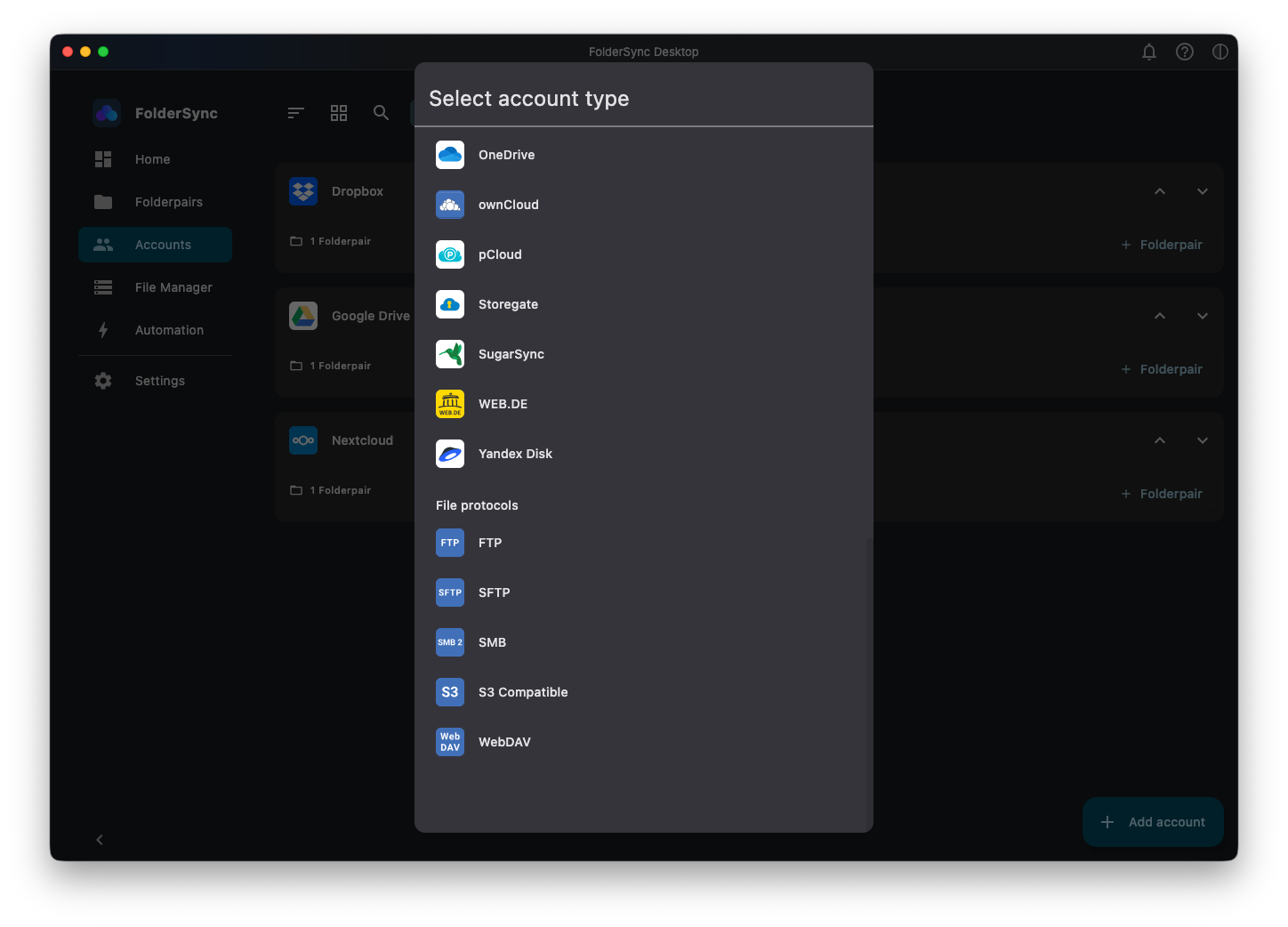
For those who want 100% control over their digital life, a self-hosted solution is the answer. This usually means a Network Attached Storage (NAS) device from brands like Synology or QNAP, or your own home server, using Nextcloud or similar server software. Popular file protocols supported by FolderSync are FTP, SFTP, SMB and WebDAV. FolderSync also support Nextcloud via the WebDAV protocol.
This is likely for you if:
- Privacy is your number one concern.
- You have a large amount of data (terabytes of photos, videos, etc.).
- You are a tech enthusiast who enjoys managing your own setup.
- You want to avoid monthly subscription fees.
Pros:
- Total Privacy & Control: Your files are on your hardware, in your home. Nobody else can access them.
- One-Time Cost: You buy the hardware once, and there are no recurring fees for storage space.
- Massive Capacity: Easily expand your storage by adding larger hard drives.
- Speed: Blazing-fast file transfers on your local home network.
Cons:
- Higher Upfront Cost: A NAS device and hard drives can cost several hundred dollars.
- Setup & Maintenance: You are responsible for the setup, updates, and troubleshooting.
- Remote Access: Accessing your files from outside your home network requires some technical configuration (though modern NAS devices make this much easier).
FolderSync's Role: This is where FolderSync truly shines for power users. It supports a wide range of standard protocols, making it the perfect client for any self-hosted system. You can connect seamlessly using:
- SMB/CIFS (for local network shares)
- SFTP (Secure File Transfer Protocol)
- FTP (File Transfer Protocol)
- WebDAV
Option 3: The Hybrid Approach - Your Own Server in the Cloud (VPS)
What if you want the global accessibility of the cloud but the full control of a self-hosted setup? The answer is to rent a Virtual Private Server (VPS) from a provider like DigitalOcean, Linode, or Vultr and build your own file-syncing service.
This is likely for you if:
- You are technically proficient and comfortable with the Linux command line.
- You want total control over your software stack (e.g., running Nextcloud, OwnCloud, or a simple SFTP server).
- You want the "best of both worlds": global access without vendor lock-in from consumer cloud brands.
Pros:
- Full Software Control: You choose the OS, the software, and the configuration.
- Global Accessibility: Your server is hosted in a professional data center, accessible from anywhere.
- Enhanced Privacy: You control the software environment. No data scanning for ads or other purposes.
- Scalability: Easily upgrade your server's CPU, RAM, and storage as needed.
Cons:
- Highest Technical Barrier: You are the system administrator. You are responsible for security, updates, and backups.
- Recurring Costs: You pay a monthly fee for the server rental, which can be more expensive per gigabyte than consumer cloud storage.
- Complexity: This is the most complex of the three options to set up and maintain securely.
FolderSync's Role: FolderSync is the essential mobile client for this setup. By using standard, open protocols, you can easily connect FolderSync to your custom cloud server using SFTP or WebDAV for a secure and reliable sync.
The Final Word: Which Is Right for You?
There is no single "best" solution—only the one that's best for your needs.
| Feature | Public Cloud | Self-Hosted (NAS) | Own Cloud Server (VPS) |
|---|---|---|---|
| Best For | Convenience & Accessibility | Privacy & Physical Control | Control & Accessibility |
| Cost Model | Recurring Subscription | One-Time Hardware Purchase | Recurring Subscription |
| Privacy | Good (relies on provider) | Excellent (you hold the hardware) | Very Good (you control the software) |
| Setup | Instant | Requires configuration | Highly technical (command line) |
| Key Feature | Effortless access from anywhere | Own your data, massive storage | Your own rules, anywhere in the world |
Your choice depends on where you fall on the spectrum of convenience versus control. Are you looking for a simple, fire-and-forget service? Or are you a power user who wants to build a data fortress from the ground up?
No matter which path you take, FolderSync provides the critical link. It's the one app that gives you the freedom to connect to virtually any storage location, empowering you to create the perfect, automated data management system for your life.
Try FolderSync for free
Automatic file sync and backup for Android, Windows, macOS and Linux.